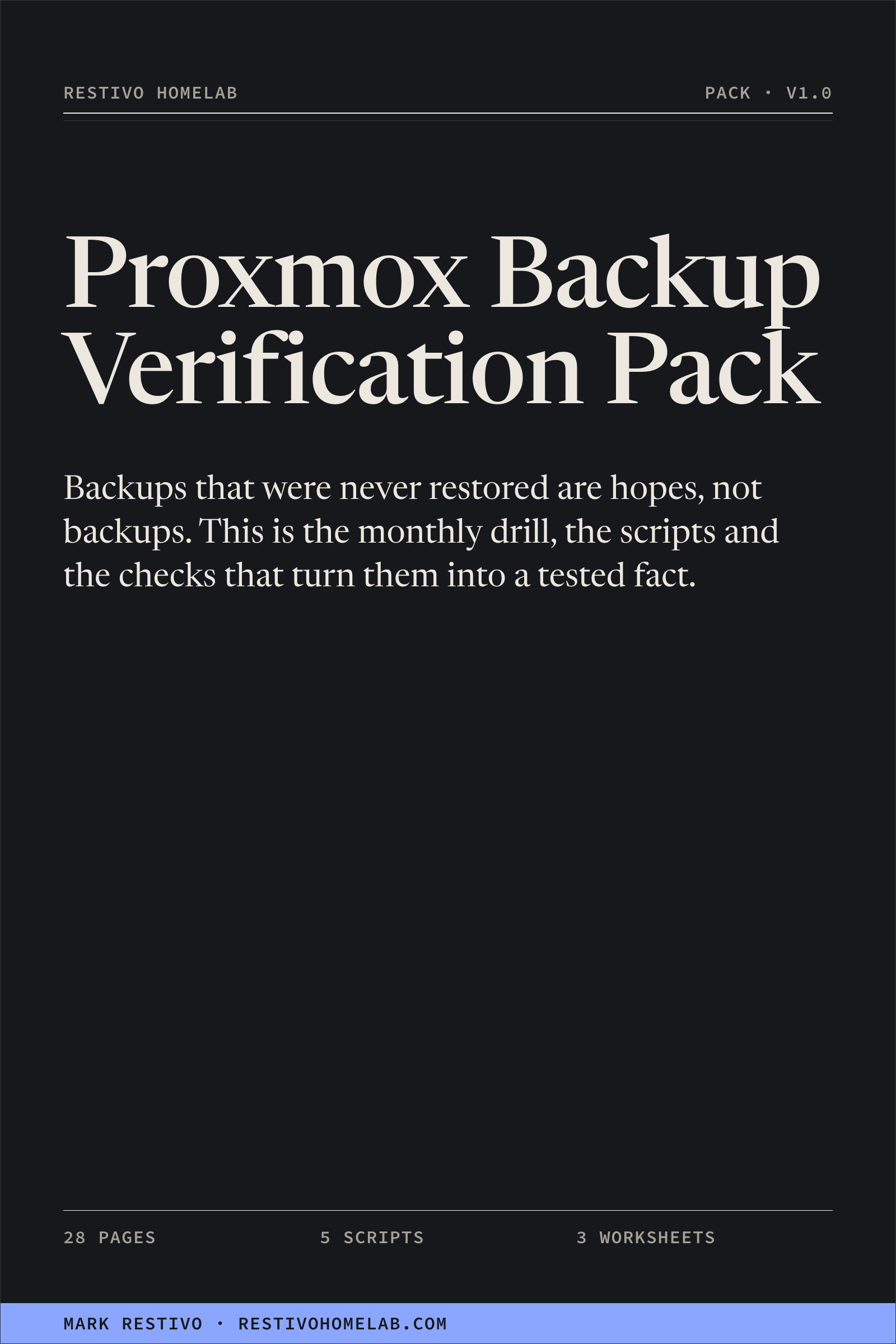
Proxmox Backup Verification Pack
Plan a repeatable Proxmox backup restore drill with a runbook, scripts and
worksheets for recording what you verified and what still needs fixing.
$39 one-time purchase
Secure checkout through Stripe. Download after payment.
Version 1.0, a 28-page runbook, five scripts and three worksheets, updated
September 2026.
Free updates forever. 30-day 100% refund, no questions.
No subscription, no account, no DRM.
Three things were true in my own lab on the same morning. A nightly replication had been
transferring nothing for twelve days while reporting success. A backup job's retention setting was
quietly overriding the storage default, leaving three days of history where I believed there were
seven. And a backup user could traverse the destination directory but not write into it, so the
copies had stopped, successfully, in silence.
Every one of those produced green. None of them was visible from a dashboard that read job status
instead of artifact age. This is the pack of checks that would have caught each one, plus the drill
that catches the one they all miss: the archive that is present, intact, verified, and does not
restore.
After this you will be able to…
- Plan and record a restore exercise on a scratch guest.
restore-drill.sh restores a backup to a scratch VMID on an isolated bridge, boots
it, runs an application check you define, reports the result and destroys the copy.
- See which guests are actually protected. A read-only cluster audit shows
per-guest coverage and the retention that is really in force, because the job's setting
overrides the storage's and the page you are looking at does not say so.
- Know what a PBS verify job proves, and what it does not. Verify jobs, their
last results, and the snapshots that have never been verified at all.
- Apply one liveness rule everywhere. Green only if it ran within N hours, so a
job that stops running goes stale on its own instead of staying green while nothing happens.
- Alert on the few things worth alerting on. Seven Prometheus rules, one
notification path, and a written reason for every threshold.
What's in the download
- The runbook — 28 pages, PDF and Markdown. Ten chapters: why green is not
evidence, knowing what you protect, the backup audit, what PBS verification proves and does not,
the monthly restore drill step by step, the liveness rule, what to alert on and what not to, the
cadence and the scorecard, a script reference, troubleshooting and glossary.
pve-backup-audit.sh — read-only. Per-guest coverage across the
cluster, the retention actually in force, and backup-target health. Text or JSON.pbs-verify-status.sh — read-only. Verify jobs, last results, and
never-verified snapshots.restore-drill.sh — the drill. Restore, isolate, boot, check,
report, destroy, with --dry-run, --keep, typed confirmation, a
scratch-range guard and a JSONL report.liveness-check.sh — green only if it ran within N hours. Stamp
file, directory, timestamp or any command. Writes JSON atomically, exits 1 when stale.notify.sh — one alert path: ntfy, webhook or email, with no
secrets in arguments.- Three worksheets — restore-drill scorecard, quarterly retention audit, backup
inventory. Plain Markdown with
- [ ] checkboxes.
alerts/ — seven Prometheus rules, Grafana provisioning YAML, a
daily wrapper script, a full crontab and systemd timer and service units.
One zip. No app, no account, no DRM, nothing that stops working if this site does.
Who this is for
- Anyone running Proxmox VE — a homelab, a small business cluster, a
one-to-three person IT team — who has backups configured and has never restored one.
- PBS users and vzdump users alike. If you run PBS there is a chapter for it. If
you run plain vzdump to NFS, everything here still applies.
- People comfortable on a shell as root on a hypervisor. The scripts are plain
bash and a little Python, commented, with no dependencies beyond what Proxmox already ships.
It is not for you if you want a GUI, a hosted service, or a tool that does the verifying
for you. Allow time to review the scripts, prepare isolation and run your application checks.
The duration depends on your workload, storage and acceptance criteria.
Prerequisites and validation
Use the Proxmox VE tools on the appropriate host, PBS access for the PBS-specific
check, and sufficient space for a separate scratch guest. Review the script help,
runbook and commands for your installed versions. Confirm the source, an unused target
VMID and a network isolated from production before starting the restore.
The release's packaged files and download mapping have been checked offline; host
execution has not been independently verified for this release. Validate behavior on
your installed Proxmox VE/PBS versions and a disposable target before use. The two audit
scripts read backup state; the restore script creates and deletes a guest, the liveness
check writes status and the notification helper can send alerts.
FAQ
Do you do refunds?
Yes — 30 days, 100%, no questions asked. Email me and I'll refund it. You keep the files. I'd
rather you not be annoyed than hold $39.
Do I pay again for updates?
No. Free updates forever. Use your purchase download link for the current version. Update emails are not currently available.
What formats do I get?
One zip: the runbook as a 28-page PDF and as Markdown, five .sh scripts, three
Markdown worksheets, and the alert examples as YAML, crontab and systemd units. Everything is plain
text or a standard document format.
Will restore-drill.sh break my cluster?
The script creates and deletes a scratch guest. Its source includes checks for an
existing target, a target equal to the source and a target outside the declared scratch
range, plus confirmation and --dry-run options. These guards do not guarantee
safe execution on your cluster. Review Chapter 5 and the script, confirm isolation and
validate the dry-run output on your installed versions before execution.
I use PBS, or I don't. Does it still apply?
Both. The audit, the drill, the liveness rule and the alerting are the same either way.
pbs-verify-status.sh is the one PBS-specific script, and Chapter 4 covers what to do
instead when your targets are plain vzdump archives.
Was AI used to write this?
The procedures are the ones I run in my own lab, and the failures in the opening are mine. I used
AI as an editor to tighten the prose. It did not invent the procedures.
Are there reviews?
Not yet. I'd rather show none than invent them. The first buyers get asked for a one-line review,
and those go here when they exist.
Buy the pack
Not ready to buy? Read the restore drill free, or
take the 96-item Homelab Ops Checklist, which costs nothing.
Made by a working sysadmin who runs this lab. About Mark Restivo.